

QR code to app
Turn billboards, packaging, desktop screens, and print into measurable app install channels. Every QR code branded, every scan attributed, every campaign tied back to ROI.

Trusted to deliver the most extensive data, for optimized campaign performance







THE SINGULAR PROMISE
The bridge from offline and desktop to your mobile app
Singular generates branded QR codes inside your generated link, so any surface. whether it’s digital or physical, becomes a tracked, attributable doorway into your app.

Connect offline and desktop to mobile app installs
Drive scans from billboards, packaging, print ads, conferences, and desktop screens straight into your app.

Carry your brand on every code
Embed your app logo or brand image directly into the center of the QR code, kept at 20% of the total size to preserve scannability.

Download in the format you need
Export codes in PNG or SVG, ready for digital placements, large-format print, packaging, or anywhere else your campaigns appear.

Generate codes automatically
Every Custom Source link comes with a QR code generated and ready to download. No design tickets, no third-party tools.

Land scanners on the right screen
Built-in deep linking and deferred deep linking route every scanner to the exact app destination you want, new users included.

Attribute every scan
Every scan inherits the full attribution and reporting depth of Singular Links, so every scan flows into your standard performance reports.
Smarter Insights.
Faster Growth.
Powered by AI
Free for 14 days. No credit card required.
MARKETING TOOLKIT
A QR code system built for marketers, not just designers
Deploy branded, attributable, and ready to deploy QR codes across any surface your campaigns touch.
Customer Experience
Codes that look like your brand
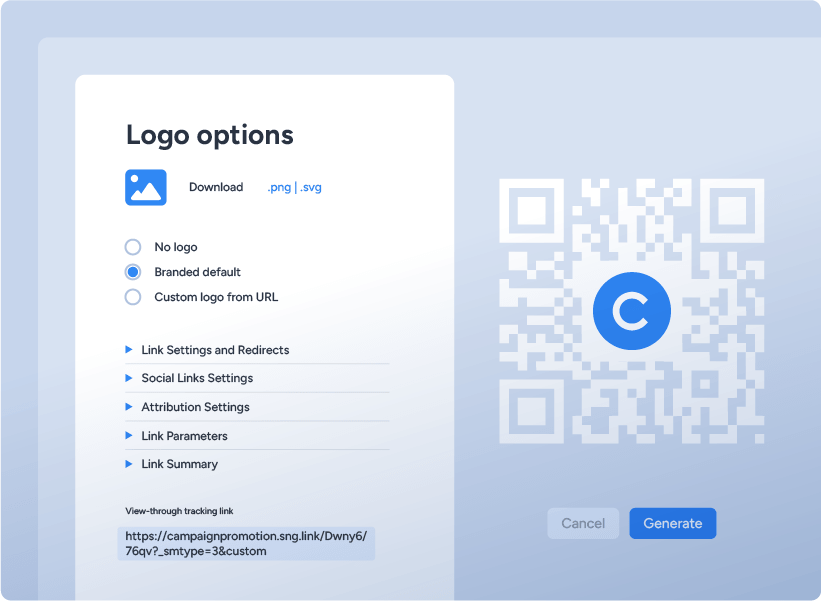
Embed a custom image, whether that’s your app icon, logo, or any brand asset, directly into the center of the QR code. The image sits at 20% of the total code size, the industry standard for keeping scans fast and reliable.
Customer Experience
Scan straight into the right screen
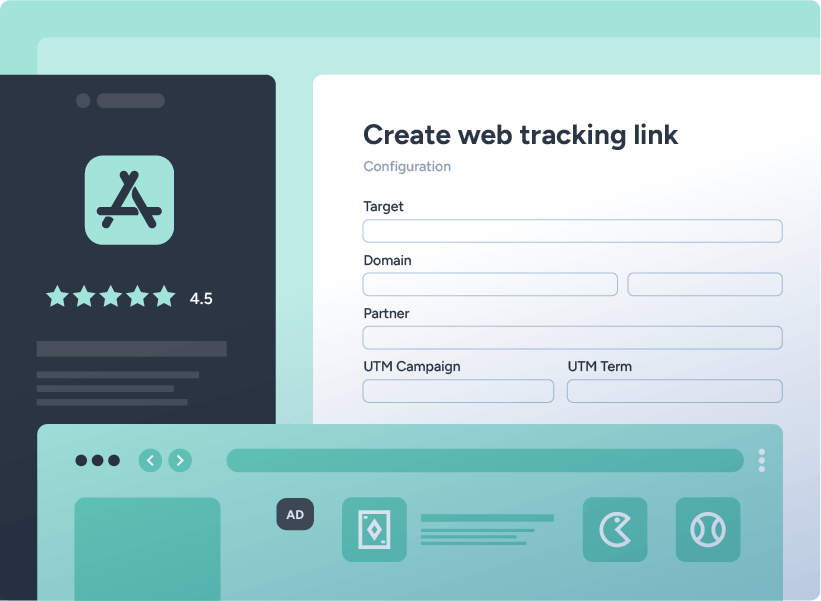
QR codes use Singular Links’ deep linking and deferred deep linking automatically. Returning users land on the exact in-app screen you specify. Route new users to the app store and into the right experience on first open.
Data Foundation
Every Custom Source link, with a code attached
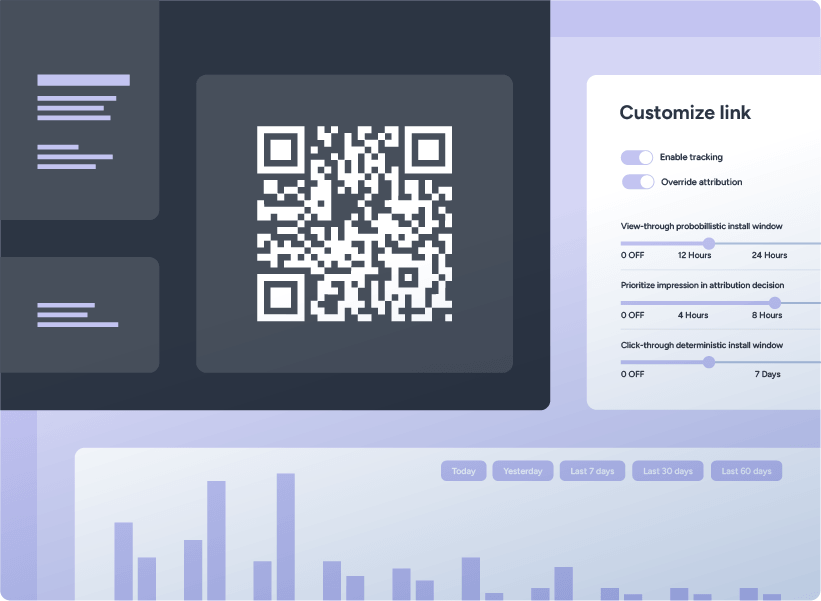
When you create a Custom Source link in Singular, a QR code is generated automatically and available under Link Summary. No additional steps, no separate tools, no extra workflow.
Omnichannel Measurement
Make any surface a conversion channel
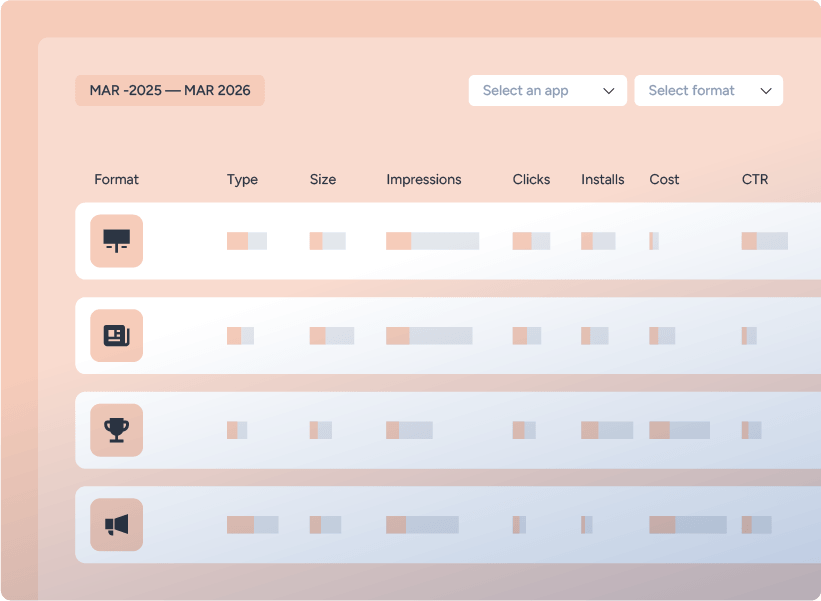
Use QR codes to drive installs from billboards, packaging, print, events, retail signage, and out-of-home placements. The same attribution depth as paid digital, applied to physical-world campaigns.
Customer Experience
Convert desktop sessions into app users
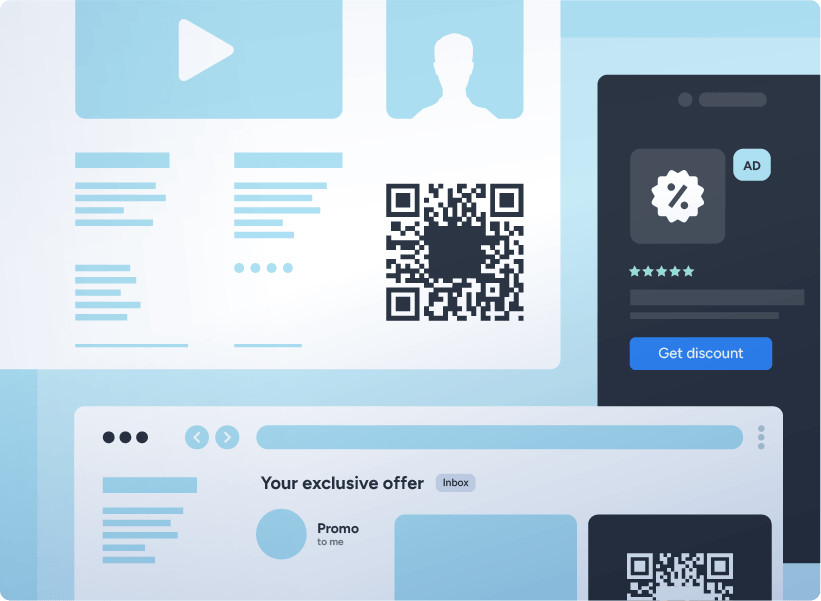
Display QR codes on desktop sites, landing pages, emails, and webinar screens to bridge the gap from a desktop session to a mobile app install, with full attribution back to the originating campaign.
Omnichannel Measurement
See exactly which codes drive results
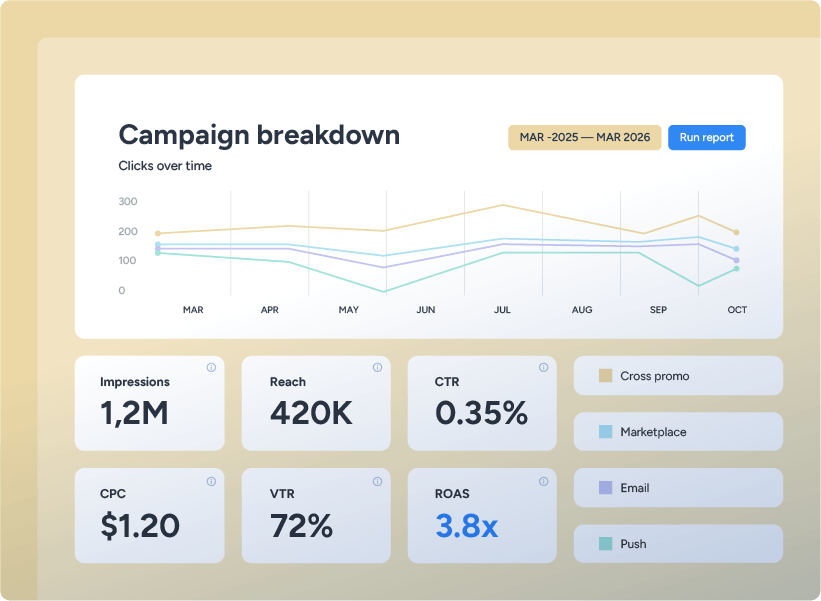
QR codes inherit Singular Links’ full parameter system, so you can pass campaign names, creative IDs, and custom dimensions into every code. Track each code’s installs, conversions, and ROI alongside the rest of your campaigns.
HEAR THEIR VOICES
Our customers say



The ROAS and Retention Analytics reports changed how we evaluate UA. We used to have to pull from multiple places. Now it’s all in one view and we can actually see what’s working.
Günay Azer
Founder
6
Hours of weekly reporting saved

It’s not about whether the other MMPs have less or more features. It’s that when there is an issue, which inevitably happens with any MMP, Singular is very quick to act and figure out a solution with us.

Gus Viegas
Head of Growth
23%
Success rate app installs 7d

When I give the creative team clear, data-backed instructions, we are able to produce better creatives faster.

Wanbing Zhu Andresson
Head of Performance Marketing
2X
Creative throughput

I know that Singular is the best-in-class MMP. We’re confident we won’t fall behind the latest and greatest trends and market needs.

Josh Nadler
Senior Product Manager, Marketing Platform
99%
Reduction in link generation time

Singular helped us save operation costs, define the resources we needed for the migration, and coordinate the team we needed. Which made the migration more than worth it for us.

Sebastian Pontillo
Head of Marketing Technology
60%
ROI in operational costs

Singular has a very technical and knowledgeable team, which is reflected in its level of support and is more aligned with the maturity level of our organization.

Eric Couto
Head of Marketing Tech
32
Apps migrated

There is more flexibility than one might find somewhere else, and also a strong customer service element with keenness to do new things, like with SKAN, or other projects I’m discussing with the team.

Arif Ehsan
Head of Digital Marketing & Loyalty
30%
Spend saved from fraud
GOT QUESTIONS?
QR codes FAQ
Singular’s QR codes turn any non-mobile surface into a measurable app install channel. Use them on billboards, packaging, print ads, conference booths, retail signage, out-of-home media, desktop landing pages, webinar slides, email campaigns, and direct mail.
Every scan flows through deep links, so the install gets attributed to the campaign, creative, or placement that drove it. The marketing value is significant: campaigns that previously had no measurable connection to app installs (especially physical-world placements) now have the same attribution depth as paid digital.
Yes. Singular supports branded QR codes by embedding a custom image directly into the center of the code. You can use your app icon, your logo, or any other brand asset.
The embedded image is set at 20% of the total size, which is the industry standard and therefore the size that preserves maximum scannability. The result looks like your brand on every surface they appear on, while still scanning reliably across any device and lighting condition.
QR codes generate automatically whenever you create a Custom Source link in Singular. Click Generate to create your link, which then appears under Link Summary, ready to download.
No additional steps, no separate design tools, and no developer involvement. It is available in both PNG and SVG formats, which means you can use it for everything from web banners to large-format print without losing quality.
Yes. QR codes inherit the full deep linking and deferred deep linking capabilities of Singular Links. For users who already have your app installed, a scan opens the app directly to the screen you specified.
For new users without the app, a scan routes them to the app store and, on first open, deferred deep linking takes them to the exact destination you configured, with the original campaign context preserved. Marketers don’t need to maintain separate versions for new and returning users.
Yes. QR codes are built on top of Singular Links, which means they support the full set of tracking link parameters (campaign name, campaign ID, creative name, creative ID, and any custom dimensions you configure).
Add these parameters to the link before generating it and every scan, install, and downstream conversion gets attributed at that level of granularity. This is how teams measure billboard-by-billboard performance, conference-by-conference signups, or packaging-batch-by-batch ROI.
QR codes are available for Custom Source links only. Partner links contain macros that are populated dynamically by the partner ad network at runtime, which is incompatible with the static nature of a QR code.
For any owned, self-managed channel (offline campaigns, print, desktop, email, packaging, events, influencer activations), Custom Source links are the right choice and QR codes are generated automatically.
If you’re working with a partner ad network on QR-code-driven campaigns, the partner typically handles the code generation through their own dashboard.